Global Keys
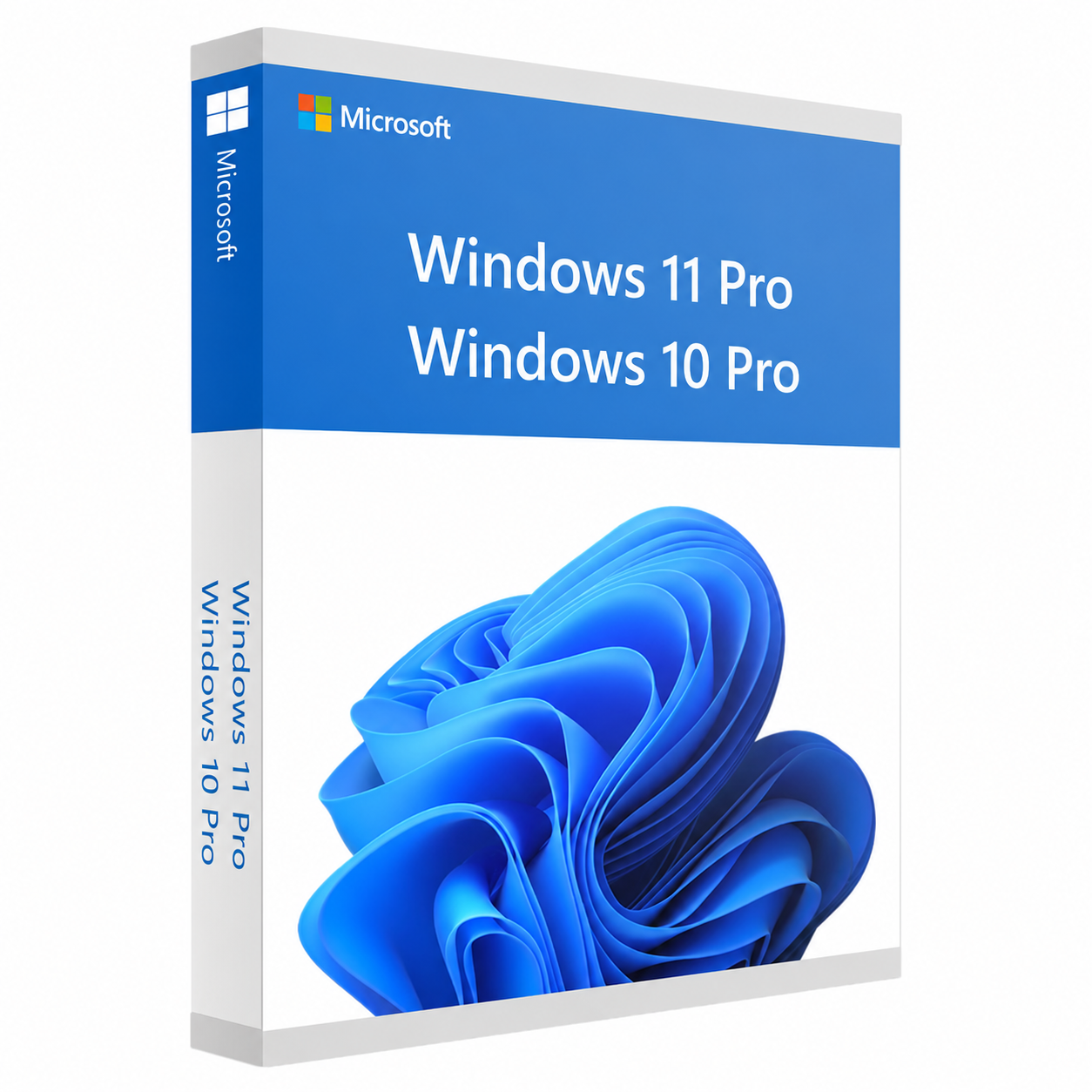
Windows 10/11 Professional Retail Key | Genuine | Lifetime
Windows 10/11 Professional Retail Key | Genuine | Lifetime
Couldn't load pickup availability
Buy a genuine Windows 11 Pro Product Key and activate your PC in minutes. Receive your original retail activation code by email immediately after purchase. Compatible with both 32-bit and 64-bit versions of Windows 11 Professional, this license unlocks all premium features and provides a secure, authentic Microsoft experience.
Whether you're upgrading from Windows Home or performing a clean installation, this Windows 11 Pro license is the perfect solution for professionals, businesses, students, and advanced users who need enhanced security, productivity, and management features.
Windows 11 Professional Description
This activation key is designed for Windows 11 Professional (32-bit and 64-bit) editions.
If Windows 11 is not yet installed on your computer, you can download the official installation media directly from Microsoft's website at no additional cost. Once Windows is installed, simply enter the activation key received from us to unlock the full version of Windows 11 Pro.
Your purchase includes a genuine retail product key, allowing you to enjoy all the premium features available in Windows 11 Professional.
Key Features
- Genuine Windows 11 Professional Retail Product Key
- Instant digital delivery via email
- Compatible with both 32-bit and 64-bit systems
- Quick and easy activation
- Lifetime activation for the licensed device
- Supports fresh installations and upgrades (where applicable)
- Access to all Windows 11 Pro features
- Official Microsoft updates and security patches
- No subscription or recurring payments
Windows 11 Pro Features
Windows 11 Professional includes everything available in Windows Home, plus powerful business and productivity tools such as:
- BitLocker Drive Encryption
- Remote Desktop
- Hyper-V Virtualization
- Windows Sandbox
- Group Policy Management
- Azure Active Directory support
- Advanced security features
- Domain Join
- Enterprise-grade protection
- Business networking capabilities
System Requirements
- Processor: 1 GHz or faster with 2 or more cores on a compatible 64-bit processor
- RAM: 4 GB minimum
- Storage: 64 GB available storage
- TPM Version 2.0
- UEFI firmware with Secure Boot support
- DirectX 12 compatible graphics
- Internet connection required for updates and activation
What You'll Receive
After completing your purchase, you will receive:
- Genuine Windows 11 Pro Product Key
- Digital delivery via email
- Activation instructions
- Installation guidance
- Customer support if you need assistance during activation
Why Buy From Us?
- 100% Genuine Product Keys
- Fast digital delivery
- Secure checkout
- Professional customer support
- Easy activation process
- Trusted by thousands of satisfied customers
Upgrade your PC today with a genuine Windows 11 Professional Product Key and experience enhanced performance, security, and productivity with Microsoft's latest professional operating system.
Download Windows
If Windows is not already installed on your computer, you can download the official installation media directly from Microsoft.
Windows 11 Professional Download:
https://www.microsoft.com/software-download/windows11
Windows 10 Professional Download:
https://www.microsoft.com/software-download/windows10
After installing Windows, simply use the product key you received from us to activate your copy.
How to Activate Windows 11 Pro or Windows 10 Pro
Method 1
- Click Start and open Settings.
- Go to System → Activation.
- Click Change Product Key.
- Enter the Windows Product Key you received after purchase.
- Click Next, then Activate.
Your copy of Windows will now be fully activated, giving you access to all Windows Pro features, official Microsoft updates, and enhanced security.
Method 2
- Open the Windows search bar.
- Type Activation Settings and open it.
- Click Change Product Key.
- Enter the license key you received after purchase.
- Click Next, then Activate.
Activation will be completed in just a few moments.
Need Help?
If you experience any issues during installation or activation, our support team is available to assist you. Simply contact us, and we'll help you activate your Windows license quickly and easily.
Nuestros clientes